If you’ve been using WordPress plugins to add AI capabilities to your website, you’ve probably experienced the same issue: every plugin handles AI integration differently. Different API screens, separate credentials, inconsistent workflows, and multiple provider configurations often create unnecessary complexity.
That’s exactly why the introduction of the New AI Connector system in WordPress 7.0 is becoming one of the biggest infrastructure updates in the WordPress ecosystem.
Launching with WordPress 7.0 on May 20, 2026, the New AI Connector framework introduces a centralized and standardized method for WordPress plugins to connect with AI providers like OpenAI, Google Gemini, and Anthropic Claude. Instead of every plugin building its own isolated integration, developers can now rely on a unified infrastructure layer designed directly for WordPress.
For businesses, developers, and agencies offering WordPress Development Services, this update represents a major shift in how AI-powered WordPress plugins will be developed and managed moving forward.
What Is the WordPress AI Connector System?
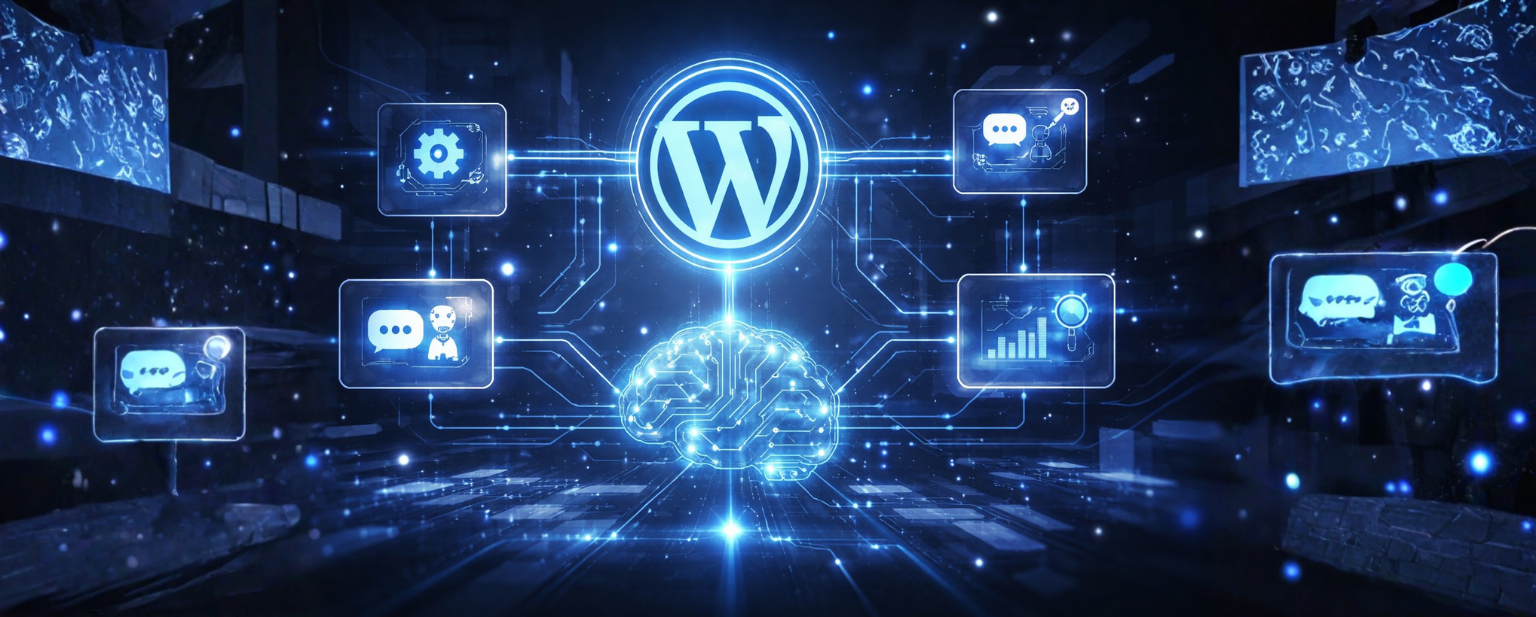
The New AI Connector infrastructure introduced in WordPress 7.0 creates a standardized environment where WordPress plugins can connect to external AI providers through a single management layer.
Previously, plugin developers had to build custom integrations for every AI service individually. This created fragmented workflows, vendor dependency, and inconsistent user experiences across websites.
With the architecture, all AI provider settings now flow through a centralized Connectors screen located inside the WordPress admin dashboard. This may appear like a simple administrative improvement, but technically, it changes the entire AI integration model for WordPress plugins. The New AI Connector approach reduces duplication, simplifies provider management, and gives businesses more centralized control over how AI services are used across their websites.
Why this matters for WordPress plugins:
For developers building AI-powered WordPress plugins, the New AI Connector framework removes one of the biggest development challenges: maintaining separate integrations for every AI provider.
Instead of creating custom API handling for OpenAI, Gemini, or Claude individually, developers can now use the WP AI Client and allow WordPress itself to manage provider routing.
This significantly lowers development overhead while making plugin ecosystems more scalable, flexible, and easier to maintain.
The WP AI Client, a standardized PHP interface introduced alongside the Connectors API gives plugin developers a single function call to invoke any registered AI provider. Instead of writing custom SDK integration code for OpenAI in one plugin and Anthropic in another, a plugin can call wp_ai_client_prompt() and let WordPress route the request to whichever AI provider the site owner has configured. The site owner stays in control. The plugin developer writes less code. The business gets better governance over every AI feature running on their site.
The Three Official AI Provider Plugins
WordPress 7.0 ships with three official AI provider plugins, built and maintained by the WordPress core AI team and published on WordPress.org. These are not third-party tools they are the first official WordPress plugins designed specifically to work with the new Connectors API infrastructure.
Anthropic Claude Plugin : Connects WordPress to Anthropic’s Claude models via the Connectors screen. Claude is known for its safety-first design and strong performance on reasoning, writing, and code tasks. Particularly relevant for businesses using AI consulting services who want reliable, predictable AI behaviour with strong content governance.
Google Gemini Plugin : Provides integration with Google’s Gemini models. Gemini’s multimodal capabilities make it well-suited for plugins that need to work across text, image, and code particularly relevant for media-rich WordPress sites and e-commerce platforms.
OpenAI Plugin: Connects to OpenAI’s model suite. The most widely used AI provider in existing WordPress plugins, now getting a formal, maintained integration through the Connectors infrastructure rather than individual plugin-by-plugin implementations.
An important clarification worth noting: these provider plugins do not add AI writing tools or AI-generated content features to WordPress by themselves. They are infrastructure plugins they make AI provider access available to other WordPress plugins that choose to use the Connectors API. A site that installs the Claude plugin will not suddenly have AI writing in its editor. But a content generation plugin that uses the WP AI Client will now be able to route through Claude without building its own integration.
What Changed With the AI Experiments Plugin (v0.5.0)
Alongside the three official provider plugins, the WordPress AI team has updated the AI Experiments plugin (which is planned to be renamed to simply WordPress AI in an upcoming version) to v0.5.0, aligning it with WordPress 7.0’s new AI infrastructure.
The most significant change in this update: credentials previously stored through the plugin’s own AI Credentials screen have been migrated to the new Connectors screen. This is a meaningful shift because it removes a duplication that previously made managing AI credentials confusing for site administrators.
The v0.5.0 release also sets the stage for upcoming features in v0.6.0, including onboarding flows connected to a new “Try AI” callout planned for WordPress 7.0, image editing experiments (erase and replace, canvas expansion, background removal), and the potential elevation of certain Experiments to full Features within the plugin.
How the Connectors API Changes WordPress Plugin Development
For developers building WordPress plugins that incorporate AI capabilities, the Connectors API fundamentally changes the economics and architecture of what’s possible. The previous approach of writing custom integrations for each AI provider, managing API keys within the plugin, and building provider-specific error handling is replaced by a pattern that is cheaper to build, easier to maintain, and more flexible by design.
The wp_ai_client_prompt() function, the standardized PHP interface for invoking any registered AI provider, means that plugin developers can write AI-powered features without knowing or caring which AI provider the site owner has configured. A plugin built on this interface will work seamlessly whether the site uses Claude, Gemini, or OpenAI because the routing is handled by WordPress core, not the plugin.
For businesses working with software development services partners who build custom WordPress plugins, this has a practical consequence: AI-powered plugin features become significantly cheaper to develop and maintain. The infrastructure cost — the part that previously had to be rebuilt for every new integration — is now handled at the platform level.
- Plugin developers write AI features once and support all registered providers automatically
- Site owners manage all AI provider credentials in a single Connectors screen
- Businesses get centralized governance over which AI providers are active on their site
- WordPress plugins can be provider-agnostic — no more vendor lock-in at the plugin level
- The extensibility model means third-party AI providers will be able to register via the Connectors screen in future WordPress versions
What This Means for Business Owners and Marketing Teams
The business impact of the New AI Connector update extends far beyond technical convenience.
For organizations managing multiple WordPress plugins and AI workflows, centralized AI governance becomes significantly easier. Site administrators can now monitor AI providers, credentials, and integrations from one unified location instead of managing multiple disconnected plugin settings.
Businesses working with AI Consulting or Software Development Services teams will also benefit from lower integration complexity and improved scalability for future AI adoption.
The New AI Connector infrastructure ultimately helps businesses create more efficient and future-ready WordPress ecosystems.
What to Do Before WordPress 7.0 Launches
For site owners and development teams, there are a few concrete actions worth taking before May 20, 2026:
- Review every WordPress plugin currently installed that uses AI in any capacity. Identify which ones will need updates to take advantage of the Connectors API, and check each plugin’s changelog or update notes for compatibility information. Audit current AI plugins on the site
- RCz the final effective release candidate before the May 19 code freeze. If the site runs any AI-powered WordPress plugins, this is the window to catch compatibility issues before the general availability release. Test against WordPress 7.0 RC4
- If the AI Experiments plugin is installed and configured with its own API credentials, understand that these will be automatically migrated to the Connectors screen on update. Review the Connectors screen post-update to confirm all credentials migrated correctly. Plan credential migration
- For businesses with multiple stakeholders involved in AI decisions, the Connectors screen’s centralized approach is an opportunity to establish clear governance policies around which AI providers are enabled and under what conditions. Review AI governance needs
- For businesses working with external WordPress development services or software development services teams, now is the time to discuss what the Connectors API changes mean for any custom plugins or AI integrations currently in development or planned for the year ahead. Talk to your development partner
Conclusion
The launch of the New AI Connector system marks a major evolution in how AI operates within WordPress.
By introducing the Connectors API, WP AI Client, and official provider integrations, WordPress 7.0 removes many of the technical barriers that previously made AI plugin development fragmented and difficult to scale.
For businesses, this means better flexibility, simplified governance, and easier adoption of AI-powered workflows. For developers, the New AI Connector framework creates a faster and more standardized way to build advanced WordPress plugins without provider lock-in.
As WordPress continues evolving into an AI-ready platform, businesses that understand and adopt the New AI Connector ecosystem early will be better positioned for future digital growth.