Have you ever wondered why some WordPress websites feel lightning-fast while others take forever to load, even when the design looks similar?
The difference usually isn’t the theme or the content, it’s performance optimization.
Website visitors today are impatient. They expect pages to load instantly, images to appear smoothly, and interactions to feel effortless. If a WordPress website fails to meet these expectations, users don’t complain they simply leave. And once they leave, rankings, engagement, and conversions start dropping silently.
This is where CDN, caching, and image optimization play a critical role. These three elements form the foundation of a fast, scalable, and reliable WordPress website. When implemented correctly, they dramatically improve loading speed, user experience, and search engine performance.
Let’s explore each of them in detail and understand how they collectively improve WordPress website speed.
Why WordPress Website Speed Is a Critical Performance Factor
Website speed is no longer just a technical concern. It directly impacts how users perceive your brand and how search engines evaluate your site.
From a user experience perspective, a fast WordPress website:
- Feels more professional and trustworthy
- Encourages users to explore more pages
- Reduces frustration and drop-offs
From an SEO perspective:
- Faster websites rank better
- Page speed influences Core Web Vitals
- Search engines prioritize performance-focused websites
In short, a slow WordPress website doesn’t just lose visitors it loses opportunities.
How a WordPress Website Processes a Page Request
To understand optimization, it’s important to understand how a WordPress website works behind the scenes.
When a user visits a page:
- The browser sends a request to the hosting server
- WordPress runs PHP scripts
- Multiple database queries are executed
- Themes and plugins generate the page structure
- Images, stylesheets, and scripts load
- The final page is displayed
This entire process happens every single time unless optimization techniques are applied. Without CDN, caching, and image optimization, this workflow becomes slow and resource-heavy.
CDN: Distributing Content for Faster WordPress Website Delivery
A CDN (Content Delivery Network) improves website speed by distributing content across multiple servers located in different geographic regions.
Instead of serving content from a single origin server, a CDN delivers files from the server closest to the visitor’s location.
How CDN Improves Performance
- Reduces latency caused by long-distance data transfer
- Delivers static assets like images, CSS, and JavaScript faster
- Handles traffic spikes without server overload
- Improves loading consistency across regions
For example, if your WordPress website is hosted in one country but accessed globally, a CDN ensures faster load times regardless of user location.
CDN Impact on SEO and User Experience
- Faster page rendering
- Improved Core Web Vitals scores
- Reduced bounce rates
- Better global accessibility
A CDN ensures that speed remains consistent even during high traffic periods, making it a crucial component of WordPress performance optimization.
Caching: Reducing Processing Time on WordPress Websites
While CDN focuses on delivery, caching focuses on reducing server workload.
By default, WordPress dynamically generates pages on every visit. This means repeated database queries and PHP execution, which slows down performance.
Caching eliminates this repetition.
What Caching Does
Caching stores pre-generated versions of pages so they can be served instantly without rebuilding them from scratch.
Types of Caching Used in WordPress Websites
Page Caching
Stores complete HTML versions of pages for fast delivery.
Browser Caching
Stores files locally on the visitor’s device for quicker repeat visits.
Object Caching
Reduces database load by storing frequently requested data.
Server-Level Caching
Handled at the hosting level for maximum efficiency.
Benefits of Caching for WordPress Website Speed
- Faster Time to First Byte (TTFB)
- Reduced server resource usage
- Improved stability during traffic spikes
- Consistent performance across pages
Without caching, even a well-optimized WordPress website struggles to scale.
Image Optimization: Reducing Page Weight Without Losing Quality
Images are visually essential but technically heavy. On most WordPress websites, images account for the largest portion of total page size.
Unoptimized images significantly slow down page load times.
Why Image Optimization Is Necessary
- Large images increase page weight
- High-resolution files consume more bandwidth
- Improper formats delay rendering
Image optimization reduces file size while maintaining visual clarity.
Core Image Optimization Techniques for WordPress Websites
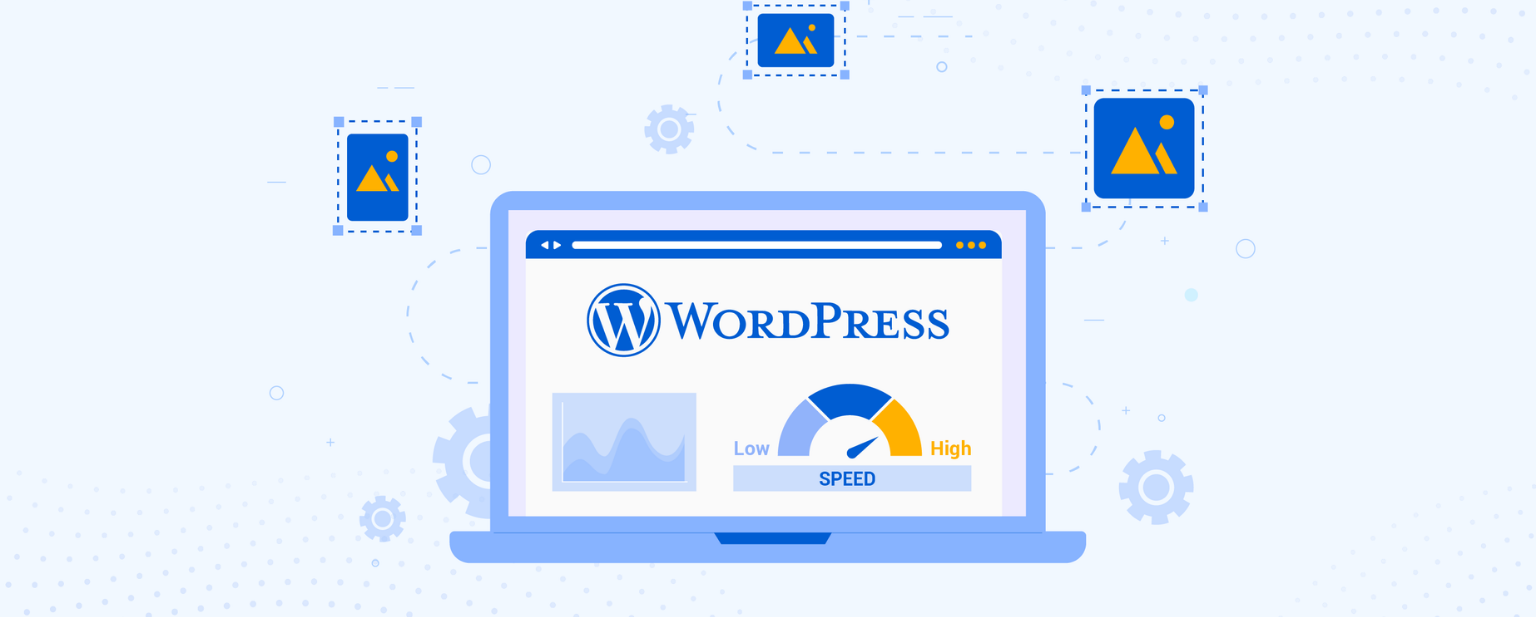
Image Compression
Compression removes unnecessary data from image files, reducing size without noticeable quality loss.
Proper Image Sizing
Images should match the display dimensions. Oversized images waste loading time and bandwidth.
Modern Image Formats
Newer formats offer better compression and faster delivery.
Lazy Loading
Images load only when they are about to appear on the screen, improving initial page speed.
Thumbnail Optimization
WordPress generates multiple image sizes. Optimizing all of them prevents unnecessary bloat.
When image optimization is done correctly, website speed improves immediately.
How CDN, Caching, and Image Optimization Work Together
Individually, each technique improves performance. Together, they create a powerful speed optimization system.
- CDN ensures fast global delivery
- Caching eliminates repetitive processing
- Image Optimization reduces page size
This combination:
- Improves loading speed across devices
- Enhances user experience
- Supports SEO growth
- Enables scalability
A website optimized with all three performs consistently well under varying traffic conditions.
Common Performance Issues That Slow Down WordPress Websites
Many WordPress websites remain slow despite available solutions due to common mistakes:
- Uploading uncompressed images
- Using excessive or poorly coded plugins
- Ignoring mobile performance
- Not clearing outdated cache
- Skipping CDN implementation
Addressing these issues alone can significantly improve website speed.
Impact of Website Speed on Engagement and Conversions
Speed directly affects how users interact with a WordPress website.
- Faster pages increase session duration
- Smooth loading builds trust
- Forms and CTAs perform better
- E-commerce checkouts see fewer drop-offs
A fast website doesn’t just load quicker it converts better.
Measuring and Monitoring WordPress Website Speed
Optimization is not complete without performance tracking.
Key metrics include:
- Page load time
- Largest Contentful Paint
- First Input Delay
- Cumulative Layout Shift
Regular audits help maintain performance as content and traffic grow.
Is WordPress Speed Optimization Ongoing?
Yes. WordPress websites evolve continuously:
- New plugins are added
- Content expands
- Traffic patterns change
Ongoing optimization ensures long-term performance, stability, and scalability.
Conclusion: Speed Is a Long-Term Advantage
WordPress website speed is a competitive advantage, not just a technical metric.
By implementing CDN, caching, and image optimization, you create a website that:
- Loads faster
- Ranks better
- Engages users longer
- Converts more effectively
A fast WordPress website reflects professionalism, reliability, and user-first thinking.
If your site feels slow today, optimization is the smartest next step.