For many businesses, the holiday season is the busiest and most profitable time of the year. Whether you’re running an eCommerce store, a service-based business, or a content-driven website, increased visitor activity can create incredible opportunities for growth.
But here’s the challenge. More visitors also mean more pressure on your website.
Imagine spending weeks planning holiday campaigns, creating promotional offers, and running adsonly for your website to slow down or crash when customers start arriving.
Unfortunately, it happens more often than many businesses realize.
Holiday traffic spikes can expose weaknesses in your website infrastructure, resulting in slow page speeds, downtime, abandoned carts, and lost revenue.
The good news? With proper preparation and smart WordPress website optimization, you can keep your website fast, stable, and ready to handle increased demand.
Let’s explore how.
Why Holiday Traffic Can Be a Problem
Many website owners assume more visitors automatically means more business success.
While that’s true in theory, increased holiday traffic can create technical challenges that affect the user experience.
Common issues include:
- Slow page loading
- Server overload
- Website crashes
- Database bottlenecks
- Failed checkout processes
- Poor mobile performance
When visitors experience delays, they rarely wait.
Research consistently shows that users leave websites quickly if pages take too long to load.
During the holiday season, every second matters.
That’s why website performance becomes a critical business priority.
Start Preparing Before Traffic Arrives
One of the biggest mistakes businesses make is waiting until traffic increases before making improvements. The best time to prepare is weeks before your campaigns go live.
Ask yourself:
- Can my hosting handle increased visitors?
- Are my pages loading quickly?
- Is my website mobile-friendly?
- Have I tested performance under heavy load?
Being proactive helps prevent problems when holiday traffic starts increasing.
Think of it like preparing a store before a major sale. You wouldn’t wait until customers arrive to organize inventory and staff.
Your website deserves the same preparation.
Optimize Your Hosting Environment
Your hosting provider plays a huge role in determining how well your site handles traffic spikes.
Even the best-designed WordPress site can struggle if it’s hosted on an underpowered server.
Signs Your Hosting May Be Holding You Back
- Frequent slowdowns
- Resource limitations
- Unexpected downtime
- Slow database response times
Before the holiday season begins, review your hosting plan carefully.
Many businesses experience significant improvements in website performance simply by upgrading their hosting environment.
Consider:
- Managed WordPress hosting
- Cloud-based hosting solutions
- Scalable server infrastructure
- Content Delivery Networks (CDNs)
A strong hosting foundation helps ensure your website remains responsive during peak demand.
Improve Website Speed with Caching
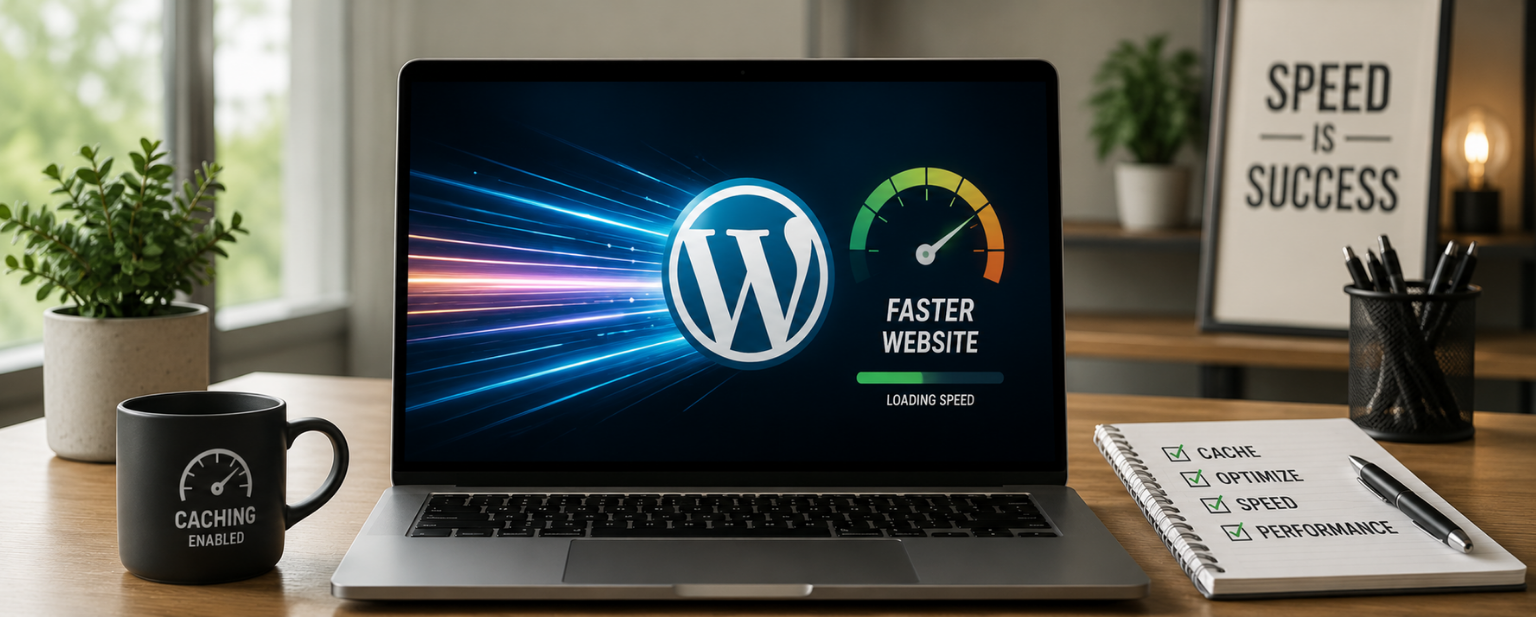
Caching is one of the easiest ways to improve WordPress website optimization.
When caching is enabled, your website serves pre-generated content instead of rebuilding pages every time someone visits.
This reduces server workload and improves loading times.
Benefits of Caching
- Faster page delivery
- Reduced server requests
- Improved user experience
- Better handling of traffic spikes
For businesses expecting heavy holiday traffic, caching can make a significant difference in website stability. Popular WordPress caching solutions can dramatically reduce server stress during high-traffic periods.
Optimize Images Before Holiday Campaigns
Large image files are one of the most common causes of slow websites. Holiday promotions often involve banners, product images, landing pages, and seasonal content. While visuals are important, oversized images can hurt website performance.
Best Practices
- Compress images before uploading
- Use modern image formats
- Enable lazy loading
- Remove unnecessary media files
Visitors expect websites to load instantly. Optimized images help create a faster and smoother experience without sacrificing quality.
Audit Your Plugins
WordPress plugins are incredibly useful, but too many plugins can create performance issues.
Before the holiday season, conduct a plugin audit.
Ask yourself:
- Is this plugin still necessary?
- Is it regularly updated?
- Does it affect loading speed?
Unused or outdated plugins can:
- Slow your website
- Create security vulnerabilities
- Increase server resource consumption
Reducing unnecessary plugins often improves both speed and stability.
Smart WordPress website optimization includes keeping your plugin ecosystem lean and efficient.
Test Your Website Under Load
Many websites perform well with a few visitors but struggle under heavy traffic.
This is why load testing is so important.
Load testing simulates traffic spikes to see how your website responds under pressure.
What Load Testing Reveals
- Server limitations
- Performance bottlenecks
- Slow database queries
- Resource usage issues
Identifying problems before the holiday rush allows your team to fix them proactively.
Testing is far less expensive than dealing with downtime during a major sales event.
Optimize Your Database
Over time, WordPress databases collect unnecessary data.
This includes:
- Post revisions
- Spam comments
- Temporary files
- Expired transients
A bloated database can affect website performance and increase response times.
Database Optimization Tips
- Remove unused data
- Clean post revisions
- Optimize database tables
- Schedule regular maintenance
A healthy database helps WordPress run more efficiently, especially during periods of increased holiday traffic.
Prioritize Mobile Performance
Most holiday shoppers and visitors now browse from mobile devices.
If your site performs poorly on mobile, you could lose a significant number of potential customers.
Mobile Optimization Checklist
- Responsive design
- Fast-loading pages
- Easy navigation
- Mobile-friendly forms
- Optimized images
Improving mobile website performance is no longer optional.
It’s essential for maximizing engagement and conversions during busy seasonal periods.
Monitor Performance in Real Time
Even after optimization, monitoring remains critical.
Holiday traffic patterns can change quickly.
Real-time monitoring allows you to detect problems before they impact visitors.
Track:
- Page load speed
- Server uptime
- Error rates
- Traffic sources
- Resource usage
Monitoring helps businesses make informed decisions and respond quickly if issues arise.
Don’t Forget Website Security
Traffic spikes often attract unwanted attention from bots and malicious actors.
Strong security protects both your visitors and your business.
Security Best Practices
- Enable firewalls
- Update plugins regularly
- Use strong authentication
- Schedule backups
- Monitor suspicious activity
A secure website is more reliable and better equipped to handle holiday traffic safely.
Create a Holiday Readiness Checklist
Before your campaigns launch, run through a final checklist:
- Hosting reviewed and upgraded if necessary
- Caching enabled
- Images optimized
- Plugins audited
- Database cleaned
- Mobile performance tested
- Load testing completed
- Security reviewed
- Backups configured
- Monitoring tools active
This simple process can prevent many common issues during busy traffic periods.
Conclusion
Holiday traffic represents a valuable opportunity for businesses to attract more visitors, generate leads, and increase revenue.
However, increased traffic also brings increased responsibility. A slow or unstable website can quickly turn potential customers away.
By focusing on WordPress website optimization, improving website performance, and preparing for traffic spikes ahead of time, businesses can create a faster, smoother, and more reliable experience for every visitor.
The businesses that prepare early are often the ones that benefit most when the holiday season arrives.
Frequently Asked Questions