If you run a WordPress site, you know the drill. You sit down to write a post, stare at the blinking cursor, and forty-five minutes later you’ve written a title. Maybe.
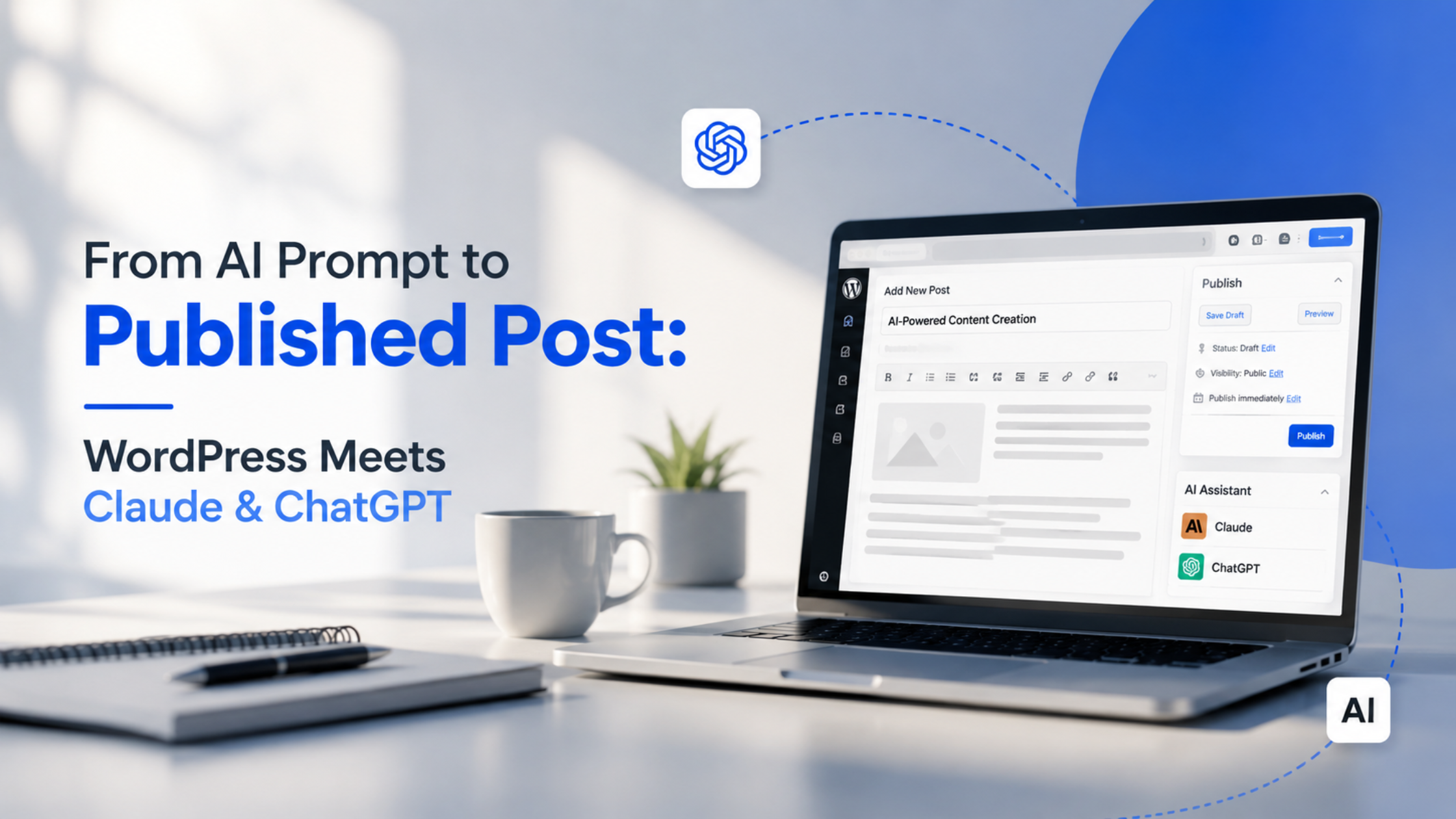
That struggle is fading fast. When WordPress meets Claude and ChatGPT, the blank page stops being an obstacle and becomes a starting line. You describe what you want, the AI drafts it, you shape it, and you publish often in a fraction of the time it used to take.
But here’s the catch: doing this well is not about copy-pasting whatever the AI spits out. The magic is in the workflow. So let’s walk through exactly how the process works in practice, step by step, in plain English.
What really happens when WordPress meets Claude
Let’s set expectations first, because there’s a lot of hype out there.
WordPress Meets Claude does not mean a robot writes your blog while you nap. It means you get a tireless writing partner that handles the heavy lifting research summaries, first drafts, rewrites, outlines so you can focus on the parts humans do best: judgement, voice, and accuracy.
Think of it like cooking with a brilliant sous-chef. The sous-chef preps everything and offers suggestions, but you’re still the one tasting the dish and deciding when it’s ready to serve. That partnership is the whole idea.
AI doesn’t replace the writer. It replaces the blank page. Your job shifts from “produce words” to “direct and refine words.” That’s a much better job.
Step 1: Start with a strong AI Prompt
Everything begins with your instructions. A vague request gets a vague post; a clear prompt gets something you can actually use.
A good prompt includes four things:
- Who it’s for — “small business owners who aren’t technical”
- What it’s about — the topic and the angle
- How it should sound — friendly, expert, casual, formal
- What it should include — key points, a call to action, roughly how long
Here’s a simple prompt you can adapt:
“Write a 1,000-word blog post for non-technical small-business owners about why website speed matters. Friendly and simple tone. Include 3 practical tips and end with a call to book a consultation.”
Notice how specific that is. The clearer your instructions, the less editing you’ll do later which is the real time-saver in the whole process.
Step 2: Draft with Claude & ChatGPT
Now the fun part. Paste your prompt into your AI tool and let it draft.
Many teams use both tools together, and there’s a smart reason for it. They have slightly different strengths, so bouncing between them gives you options:
- Ask one for the first draft.
- Ask the other to critique it: “What’s weak here? What’s missing?
- Merge the best of both.
Using two tools as a draft-and-review pair one writes, one reviews consistently beats relying on a single one. This is the quiet superpower most people miss.
Don’t aim for perfection here. Aim for a solid 80%. The last 20% is where you come in.
Step 3: Edit like a human (this is non-negotiable)
This is the step that separates good AI content from the generic, soulless stuff flooding the internet.
Read the draft out loud. Then:
- Cut the fluff. AI loves filler phrases. Delete them.
- Add your voice. Drop in a real example, a client story, an opinion.
- Check every fact. AI can sound confident and still be wrong. Verify names, numbers, and claims.
- Break up walls of text. Short paragraphs, clear subheadings, the occasional list.
This is where WordPress Meets Claude earns its keep: your editing brain becomes the most valuable tool in the room. The AI gives you clay; you’re the sculptor. Skip this step and readers will feel it instantly.
Step 4: Optimise for search (and for humans)
Before it goes live, give the post a quick SEO polish. You can even ask your AI to help:
- A clear title with your main keyword near the front
- A meta description under about 155 characters
- Descriptive subheadings
- A few internal links to related pages on your site
- Alt text for every image
A handy trick: feed your finished draft back into the AI and ask, “Suggest an SEO title, meta description, and five subheadings for this post.” You’ll get solid options in seconds.
Step 5: Publish in WordPress
Now bring it home. Paste your polished post into the WordPress editor, and:
- Format headings properly (H2s and H3s, not bold text pretending to be headings)
- Add and compress your images
- Set the SEO title and meta description (Rank Math or Yoast make this easy)
- Preview on mobile before you hit publish
- Schedule or publish
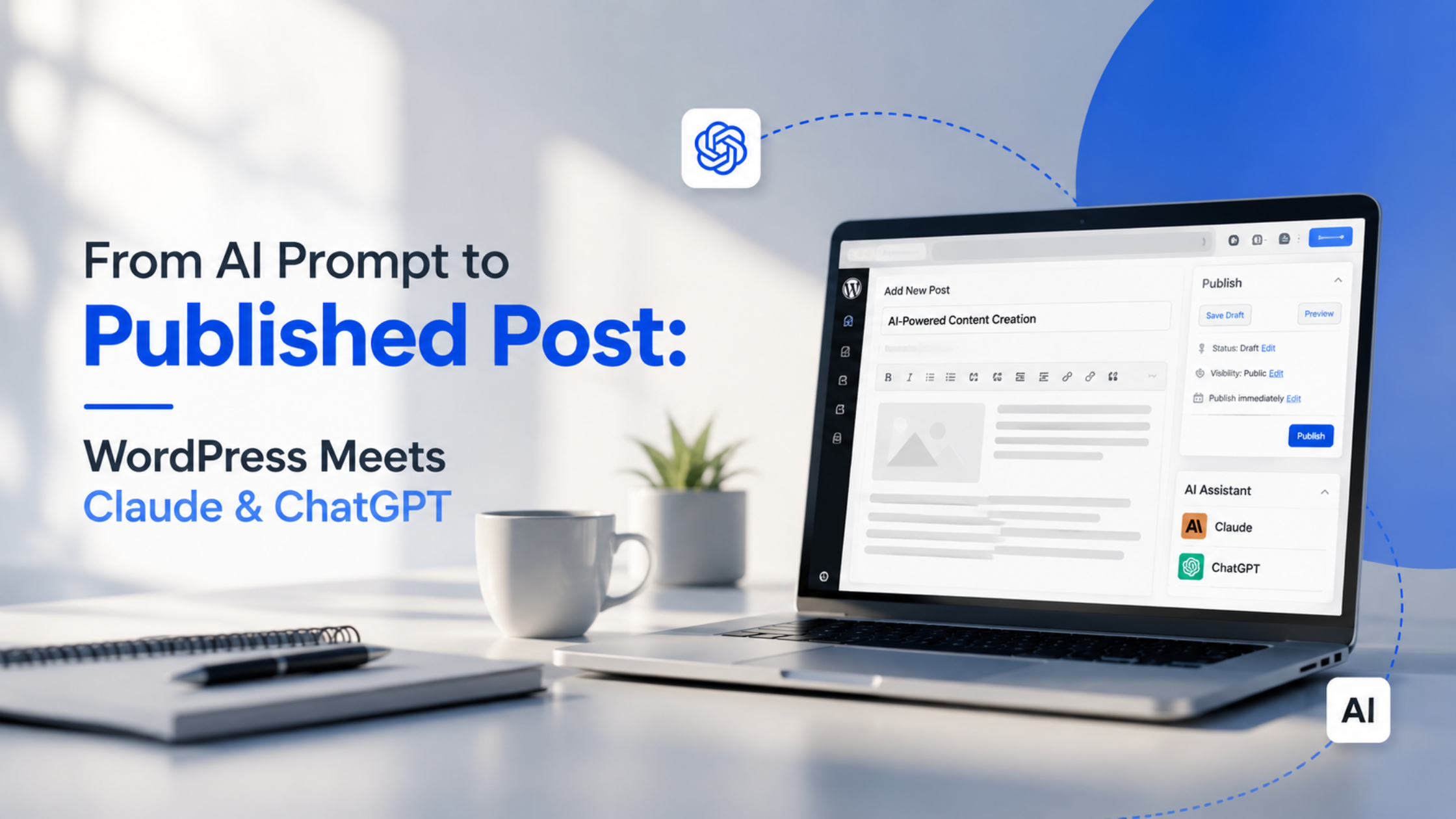
That’s the full loop. The entire point of WordPress Meets Claude is compressing that journey from one prompt to a live post from days into a single afternoon, without sacrificing quality.
A 60-second checklist before you publish
Tick these off every time:
- [ ] The post sounds like a human wrote it (because you edited it)
- [ ] Every fact, name, and number is verified
- [ ] There’s at least one original example or opinion
- [ ] Title and meta description are set
- [ ] Headings are real headings, not bold text
- [ ] Images are added, compressed, and have alt text
- [ ] It reads well on a phone
If all seven are ticked, you’re good to go.
Common pitfalls to avoid
Even a great workflow can go sideways. Watch out for these:
- Publishing raw AI output. Readers and search engines both notice unedited, generic content. Always add the human layer.
- Trusting facts blindly. Confidence-sounding does not mean correct. Check everything.
- Losing your brand voice. If every post sounds like a robot, you’ve lost the plot. Keep your personality.
- Keyword stuffing. Write for people first. Search engines reward that now.
Avoid these, and WordPress Meets Claude becomes a genuine competitive edge rather than a shortcut that backfires.
Getting Started with AI-Powered WordPress Publishing
Adopting an AI-assisted publishing workflow doesn’t require a complete overhaul of your content process. Start by creating clear prompts, refining AI-generated drafts, verifying facts, and optimizing each post before publishing. With a structured workflow and consistent quality checks, businesses can produce high-quality content faster while maintaining accuracy, brand voice, and SEO best practices.
The blank page used to be the hardest part of content. Not anymore. When WordPress Meets Claude and ChatGPT, you get a workflow that turns one clear prompt into a polished, published post with humans firmly in charge of quality.
Start small. Write one clear brief, draft with both tools, edit it properly, and publish. Do that once and you’ll never look at the blinking cursor the same way again.
By combining AI tools with human expertise, businesses can create a faster, more efficient, and scalable content publishing process without compromising quality.