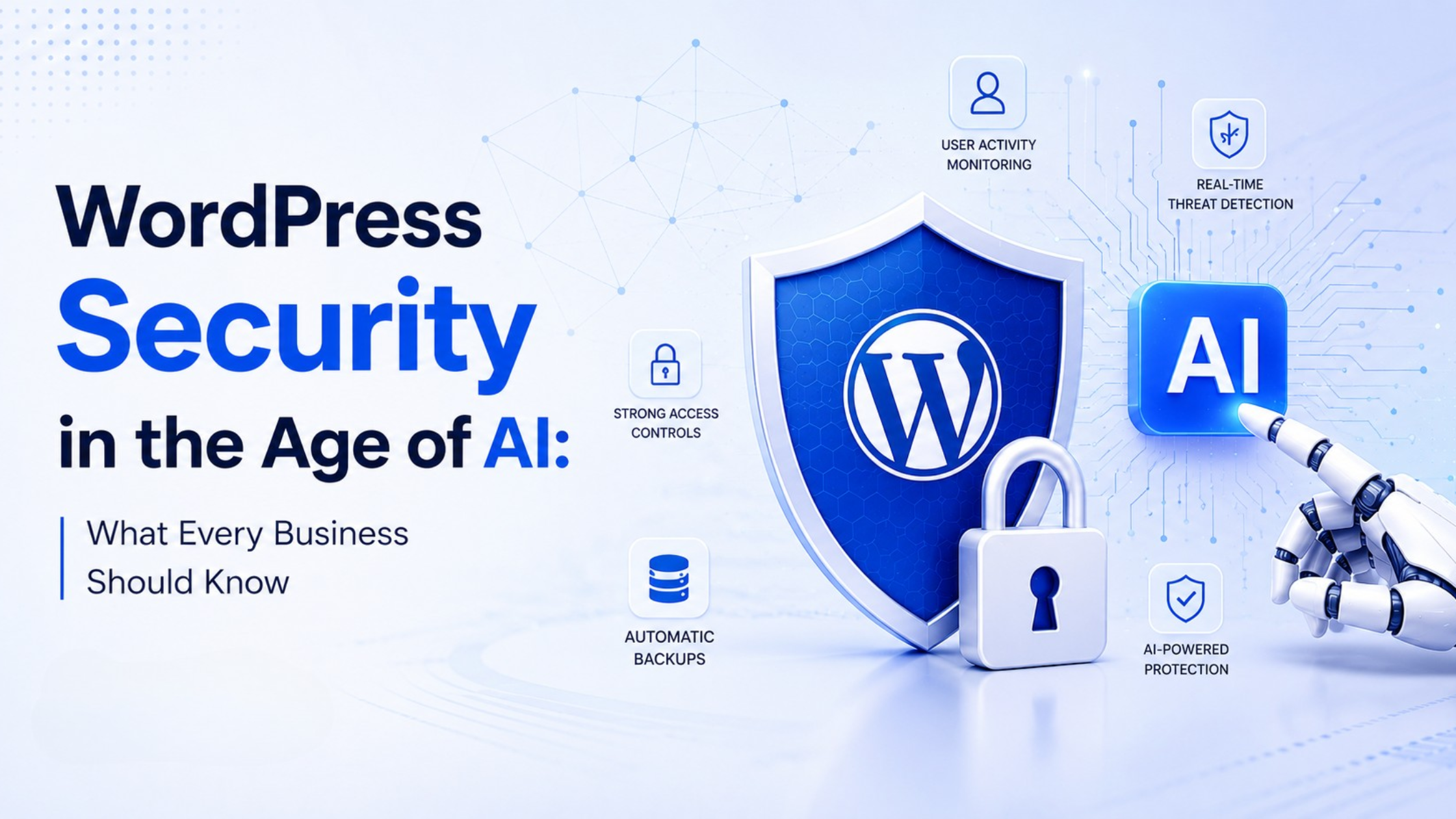
Artificial Intelligence is transforming the way businesses build, manage, and grow their digital presence. From AI-powered chatbots and automated content generation to personalized customer experiences and intelligent analytics, AI has become an essential part of modern websites.
While these innovations create exciting opportunities, they also introduce new security challenges. As AI capabilities continue to evolve, cybercriminals are using the same technologies to develop more sophisticated attacks. This means businesses can no longer rely on traditional security practices alone.
For organizations running WordPress websites, WordPress Security has become more important than ever. Since WordPress powers millions of websites worldwide, it remains one of the most targeted platforms for cyberattacks. Combined with the rise of AI-powered threats, businesses must take a more proactive approach to protecting their websites, customer data, and online reputation.
In this guide, we’ll explore how AI is changing the cybersecurity landscape, the risks businesses should be aware of, and the practical steps you can take to strengthen WordPress Security in today’s rapidly evolving digital environment.
Why WordPress Security Matters More Than Ever
Your website is often the first interaction customers have with your business. It showcases your products or services, captures leads, processes customer information, and supports daily operations.
A security breach can disrupt all of this.
Without proper WordPress Security, businesses may face:
- Loss of sensitive customer data
- Website downtime
- SEO ranking drops
- Malware infections
- Damaged brand reputation
- Financial losses
- Compliance issues
Even a small vulnerability can become an entry point for attackers looking to exploit outdated plugins, weak passwords, or misconfigured servers.
The good news is that WordPress itself is continuously updated and maintained by a large global community. However, website owners also share responsibility for keeping their websites secure through regular updates, strong authentication, and proactive monitoring.
How AI Is Changing the Cybersecurity Landscape
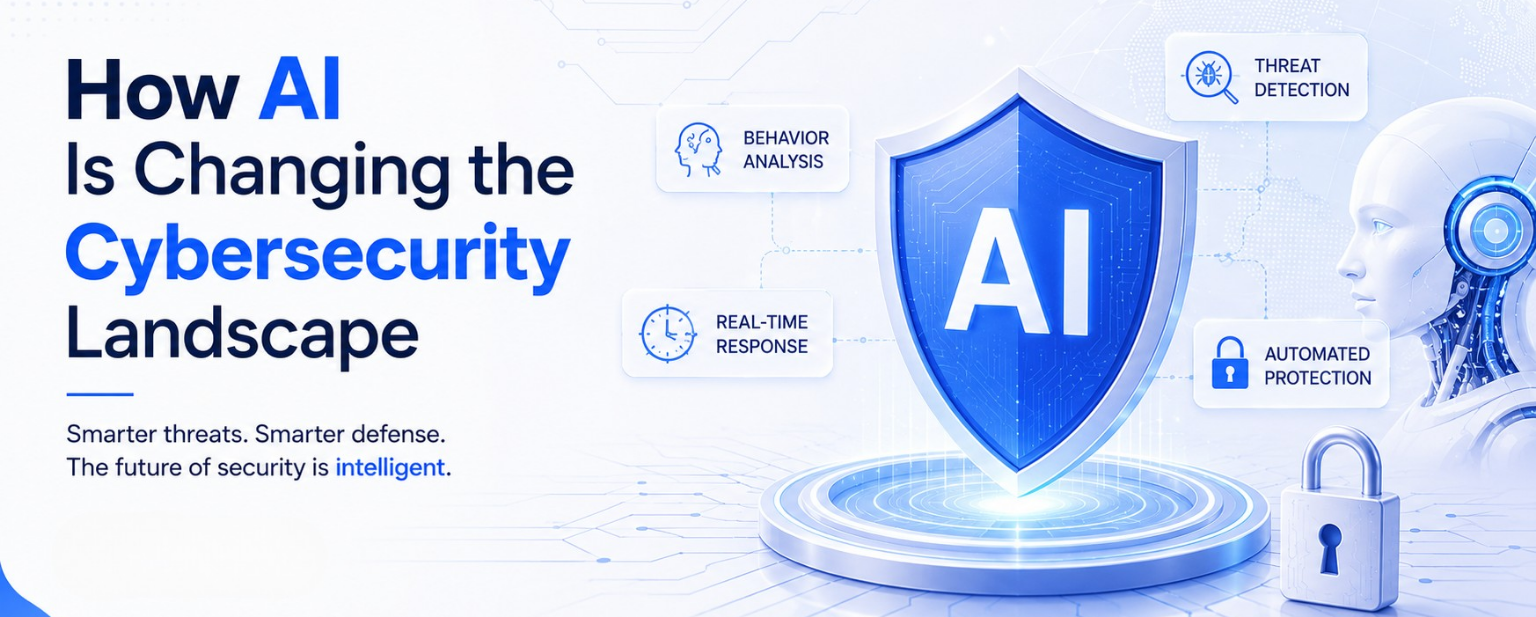
Artificial Intelligence isn’t only helping businesses it is also giving cybercriminals new ways to identify and exploit weaknesses.
Traditional cyberattacks often required significant manual effort. Today, AI can automate many of these activities, making attacks faster, smarter, and more difficult to detect.
Some examples include:
- Automatically scanning thousands of websites for vulnerabilities
- Generating convincing phishing emails
- Identifying weak passwords through intelligent guessing techniques
- Automating malware deployment
- Creating realistic fake content to deceive users
These AI-powered threats allow attackers to target more websites in less time, increasing the importance of proactive Website security measures.
Businesses should understand that AI itself isn’t the problem. The challenge lies in how it is used. Just as organizations leverage AI to improve efficiency, attackers can use similar technologies to uncover Website vulnerabilities more quickly than ever before.
Common AI-Powered Threats Affecting WordPress Websites
Understanding modern risks is the first step toward better WordPress website protection.
Here are some of the most common threats businesses should watch for.
AI-Generated Phishing Attacks
Phishing emails have become significantly more convincing with the help of AI.
Instead of containing obvious spelling mistakes or suspicious wording, AI-generated emails can closely mimic legitimate brands, colleagues, or service providers.
These emails often trick users into:
- Revealing login credentials
- Downloading malicious files
- Sharing sensitive information
- Clicking harmful links
Employee awareness remains one of the strongest defenses against these attacks.
Automated Vulnerability Scanning
Attackers now use AI to continuously scan websites for outdated plugins, themes, and known security weaknesses.
Rather than manually searching for vulnerable websites, AI-powered systems can analyze thousands of WordPress installations within minutes.
This makes regular updates and proactive WordPress Security maintenance more important than ever.
Credential-Based Attacks
Weak passwords continue to be one of the biggest security risks.
Modern AI tools can intelligently predict password combinations and automate login attempts much faster than traditional brute-force attacks.
Businesses should always combine strong passwords with multi-factor authentication to reduce this risk.
Smarter Malware
Malware is also becoming more sophisticated.
AI-assisted malware can adapt its behavior, avoid detection, and spread more efficiently once it gains access to a website.
This highlights why businesses need layered Cybersecurity strategies rather than relying on a single security plugin.
Why Businesses Should Act Before an Attack Happens
Many organizations only think about security after experiencing a breach.
Unfortunately, by then the damage has often already been done.
Investing in strong WordPress Security is far less expensive than recovering from lost customer trust, website downtime, or stolen data.
A proactive security strategy helps businesses:
- Protect customer information
- Maintain website availability
- Preserve SEO rankings
- Reduce operational risks
- Strengthen brand credibility
As AI continues to evolve, businesses that regularly review and improve their security practices will be better prepared to respond to new and emerging threats.
Best Practices to Strengthen WordPress Security
Protecting a WordPress website isn’t about installing a single security plugin and hoping for the best. Effective WordPress Security requires a combination of regular maintenance, secure development practices, and continuous monitoring.
Here are some of the most important steps every business should follow.
Keep WordPress Core, Themes, and Plugins Updated
One of the most common reasons websites get compromised is outdated software.
Every WordPress update includes improvements that may fix security vulnerabilities, enhance performance, or improve compatibility. Delaying these updates gives attackers more opportunities to exploit known weaknesses.
To reduce risk:
- Update WordPress core regularly
- Keep plugins and themes up to date
- Remove unused plugins and themes
- Test updates in a staging environment before deploying them to a live website
Maintaining updated software is one of the simplest yet most effective WordPress Security practices.
Use Strong Authentication
Many successful cyberattacks begin with weak login credentials.
As AI-powered threats become more advanced, password-guessing attacks are becoming increasingly sophisticated.
Businesses should:
- Create strong, unique passwords
- Enable Multi-Factor Authentication (MFA)
- Limit login attempts
- Avoid sharing administrator accounts
- Regularly review user access permissions
Even if attackers obtain a password, MFA provides an additional layer of protection that makes unauthorized access much more difficult.
Choose Trusted Plugins and Themes
Plugins extend WordPress functionality, but they can also introduce security risks if they are poorly maintained or downloaded from unreliable sources.
Before installing any plugin:
- Verify the developer’s reputation
- Check recent updates
- Read user reviews
- Review compatibility with your WordPress version
- Remove plugins that are no longer maintained
Fewer high-quality plugins are generally better than many unnecessary ones. Keeping your plugin ecosystem clean improves both Website security and overall website performance.
Perform Regular Website Backups
No security strategy is complete without reliable backups.
Even with strong preventive measures, unexpected issues can still occur, including malware infections, accidental data loss, or server failures.
A solid backup strategy should include:
- Daily or scheduled backups
- Off-site storage
- Automatic backup verification
- Regular recovery testing
Backups allow businesses to restore their websites quickly, minimizing downtime and reducing operational disruption.
Monitor Your Website Continuously
Website security isn’t a one-time task.
Continuous monitoring helps identify suspicious activity before it becomes a serious problem.
Businesses should monitor:
- Login attempts
- File modifications
- Plugin changes
- Server activity
- Malware detection
- Website uptime
Real-time alerts enable website administrators to respond quickly and reduce the potential impact of security incidents.
How AI Can Improve Website Security
Although AI introduces new risks, it also provides powerful tools for defending websites.
Modern AI security solutions can analyze large amounts of data in real time, helping businesses detect unusual activity much faster than traditional monitoring methods.
Some security platforms now use AI to:
- Detect suspicious login behavior
- Identify unusual traffic patterns
- Recognize malware signatures
- Flag abnormal user activity
- Respond to threats automatically
Rather than replacing security professionals, AI acts as an intelligent assistant that helps organizations identify and respond to threats more efficiently.
When combined with strong Cybersecurity practices, AI becomes a valuable part of a modern website security strategy.
Limit User Access and Permissions
Not every team member needs full administrative access.
One overlooked aspect of WordPress website protection is assigning users the minimum level of access required for their responsibilities.
For example:
- Content writers only need publishing permissions.
- Editors can manage content without changing website settings.
- Developers may require technical access.
- Administrators should be limited to trusted individuals.
Reviewing user roles regularly reduces the risk of accidental changes and limits the potential damage if an account is compromised.
Secure Your Hosting Environment
Your hosting provider plays an important role in overall WordPress Security.
A reliable hosting environment should include features such as:
- SSL certificates
- Firewall protection
- Malware scanning
- Automatic backups
- DDoS mitigation
- Server monitoring
- Secure infrastructure
Choosing a hosting provider with built-in security features adds another layer of protection before traffic even reaches your website.
Build Security Into Your Website Strategy
Many businesses think about security only after launching a website.
A better approach is to make Website security part of the development process from the beginning.
Whether you’re building a new website or improving an existing one, security should be considered during:
- Website planning
- Design
- Development
- Plugin selection
- Third-party integrations
- Content management
- Ongoing maintenance
By treating security as an ongoing business priority rather than a one-time setup task, organizations can significantly reduce their exposure to evolving Website vulnerabilities.
Common WordPress Security Mistakes Businesses Should Avoid
Even businesses that invest in website development can unintentionally leave security gaps. Most cyberattacks don’t happen because WordPress is insecure; they happen because of avoidable mistakes in website management.
Here are some of the most common issues that weaken WordPress Security.
Ignoring Regular Updates
Delaying updates for WordPress core, themes, or plugins increases the risk of exposing your website to known vulnerabilities.
Many software updates include security patches specifically designed to fix recently discovered issues. Keeping everything updated should be part of your regular website maintenance routine.
Installing Too Many Plugins
Plugins add valuable functionality, but installing unnecessary or poorly maintained plugins can increase security risks.
Instead of adding multiple plugins that perform similar tasks:
- Choose trusted developers.
- Remove inactive plugins.
- Regularly audit installed plugins.
- Keep only the tools your website actually needs.
A lean website is generally easier to maintain and more secure.
Using Weak Login Credentials
Passwords such as “admin123” or using the default “admin” username continue to create unnecessary security risks.
Strong authentication practices include:
- Unique passwords for every user
- Password managers
- Multi-factor authentication (MFA)
- Regular password updates
Simple changes like these significantly strengthen WordPress Security.
Ignoring Website Monitoring
Many businesses only discover problems after customers report them.
Continuous monitoring helps detect:
- Unauthorized login attempts
- Malware infections
- Website downtime
- File modifications
- Suspicious user activity
The sooner issues are identified, the easier they are to resolve.
No Disaster Recovery Plan
Even well-protected websites can experience unexpected issues.
Without backups or a recovery strategy, businesses may face extended downtime and data loss.
A complete recovery plan should include:
- Automated backups
- Off-site storage
- Recovery testing
- Clear restoration procedures
Preparation is just as important as prevention.
The Future of WordPress Security
Artificial Intelligence will continue reshaping both website development and cybersecurity.
Over the next few years, we can expect:
- Smarter threat detection
- Automated vulnerability monitoring
- AI-assisted malware analysis
- Intelligent firewall protection
- Predictive security alerts
- Faster incident response
At the same time, attackers will continue developing more advanced techniques.
This means WordPress Security will become an ongoing process rather than a one-time setup.
Organizations that regularly review their security posture, update their websites, and adopt modern security practices will be far better prepared for future challenges.
Building a Long-Term Security Strategy
Website security should grow alongside your business.
Instead of reacting only when problems occur, businesses should create a long-term security plan that includes:
- Regular security audits
- Software updates
- Employee security awareness training
- Backup verification
- Access control reviews
- Malware scanning
- Performance monitoring
- Incident response planning
Combining proactive maintenance with modern AI security tools helps businesses stay resilient against evolving digital threats.
The goal isn’t simply preventing attacks it’s creating a website that remains reliable, trustworthy, and secure for customers over the long term.
Conclusion
Artificial Intelligence is transforming the digital landscape, bringing exciting opportunities for innovation while introducing new cybersecurity challenges. As websites become smarter, attackers are also adopting more advanced techniques to identify and exploit weaknesses.
That’s why WordPress Security should be viewed as an ongoing business priority rather than a one-time task.
By following security best practices, keeping software updated, choosing trusted plugins, implementing strong authentication, monitoring website activity, and preparing for future AI-powered threats, businesses can significantly reduce risk and protect their online presence.
Ultimately, the strongest websites are those built with security at every stage from planning and development to ongoing maintenance. A proactive approach not only safeguards valuable business data but also builds customer trust, supports long-term growth, and ensures your website is ready for the evolving digital world.
Frequently Asked Questions